Screenshot & markup for macOS · BestApps LLC
Questions, bug reports or feature requests: email will@jetwars.xyz. We usually reply within two business days. (The address is on jetwars.xyz because Jetwars is the other main project from BestApps LLC.)
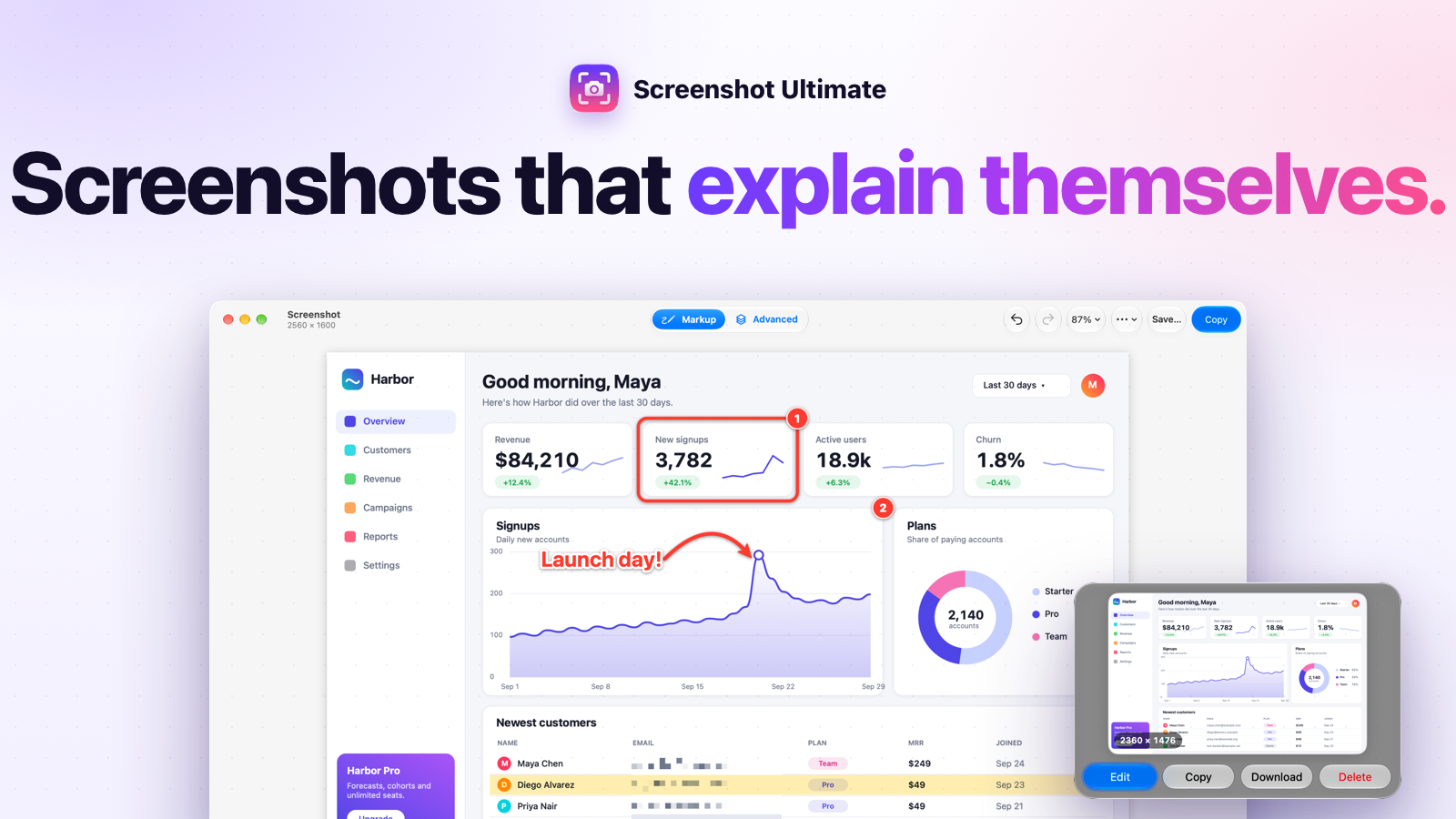
Screenshot Ultimate lives in the menu bar (the viewfinder icon). Press ⇧⌘1 anywhere, then drag a region, click a window, or press Return for the full screen. A preview card appears at the bottom-right: choose Edit, Delete or Download.
macOS needs to allow screen recording. Open System Settings → Privacy & Security → Screen & System Audio Recording, turn on Screenshot Ultimate, then quit and reopen Screenshot Ultimate.
Another app may already use ⇧⌘1. Pick a different shortcut in the menu bar icon → Settings….
Turn it on or off in the menu bar icon → Settings… → Launch Screenshot Ultimate at login.
Capture and Markup are unlimited and free. New users can edit one screenshot in Advanced every seven days on each Mac, including all its edits until that editor window closes. An optional one-time purchase unlocks unlimited Advanced editing for $9.99 USD (local App Store prices vary). There is no subscription.
If you downloaded Screenshot Ultimate before version 1.2, you keep unlimited Advanced editing at no charge. To recover your purchase or existing access, open the menu bar icon → Advanced Access… → Restore Purchases using the same Apple Account. Basic capture, editing, saving and copying never require a purchase.
Screenshots and image processing stay on your Mac. BestApps does not collect screenshots, account details or analytics. Apple handles in-app purchases and verifies access. Read the privacy policy.